103 results found in 0.030101991 seconds

GetAnswer™
  • Managing Your Cebu Pacific Booking
  • Rebooking / changing your flight schedule

    ✈️ You can rebook your flight up to two (2) hours before your scheduled time of departure.

    To know how to change your flight schedule and learn more about rebooking, please visit this article: Rebooking or Canceling Your Flight

    Voluntarily canceling your flight

    ✈️ You may choose to voluntarily cancel your flight if your booking includes the GO Flexi Fare Bundle or CEB Flexi add-on.

    Updating contact details

    ✏️ To correct your first name OR last name:

    • You'll need to do this within 24 hours of completing your booking.

    ✏️ To update other guest details, such as your nationality/passport, birthday, salutation, or contact number:

    • You can update this up to two (2) hours before your flight, as many times as necessary.


    Learn more about updating your details here: Update your guest or contact details

    Adding a booking to your account

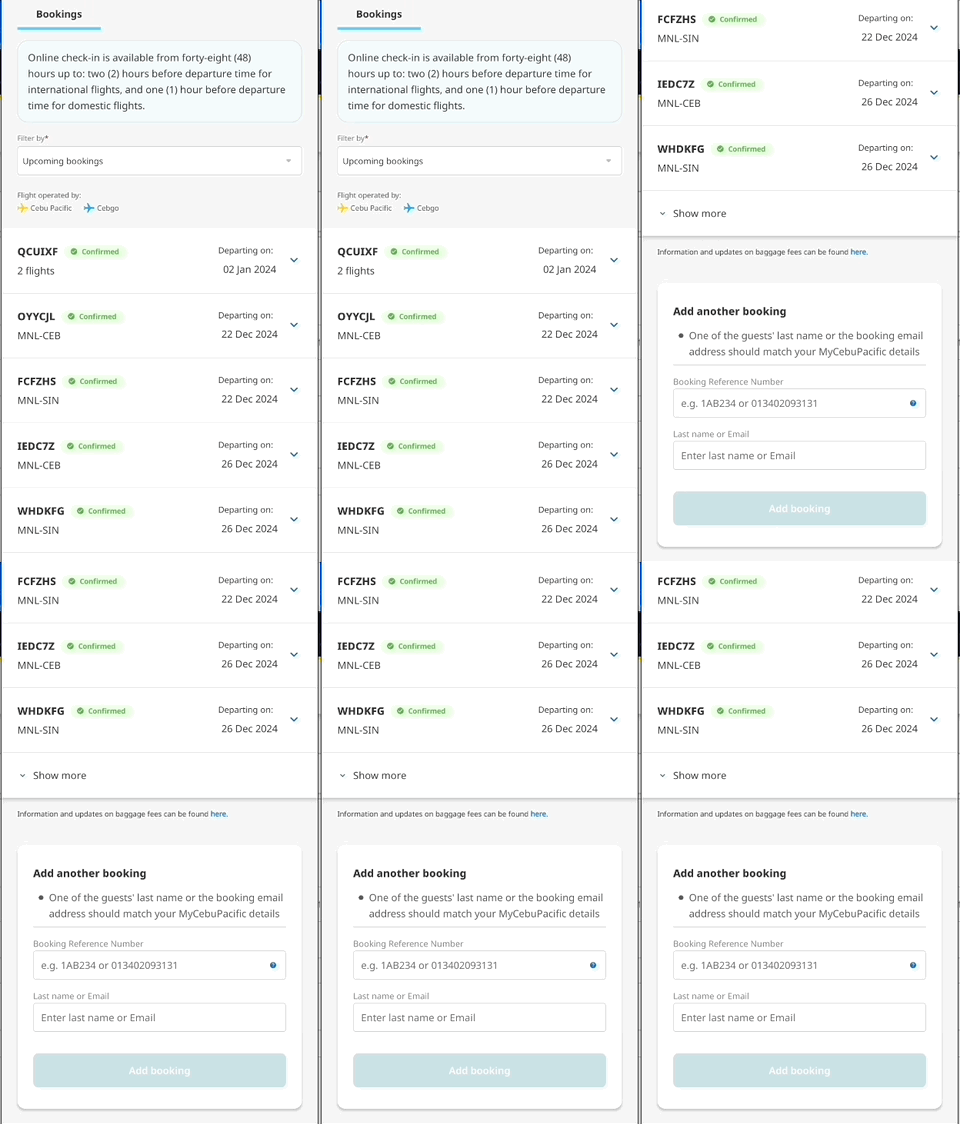
    🔗 If you can't find your booking after logging in, you can use our Add Booking feature to link it to your MyCebuPacific account.


    Learn more about adding a booking here: Add or link a booking to your account

    Adding an infant on lap to your booking

    💡 Take note!

    • In general, you cannot add another guest to an existing booking, except for infants below 2 years old at the time of travel.
    • The passenger type cannot be changed once the booking has been paid for.

    To add an infant on lap, simply head to Manage Booking to make this change.

    • 🧑‍🍼 This is limited to Infant on Lap only, which means the child will not occupy a seat.
    • A MyCebuPacific Account is required to make booking changes.
    • A small service fee will be charged to add an infant to your booking.


    Learn more about our policies for adding guests to a booking here: Add an infant to your booking

    Adding baggage to your booking

    🧳 With Manage Booking, you can add baggage to an existing booking or upgrade your baggage allowance by 4kg, 8kg, or 12kg. 

    Learn more about your baggage options here: CEB Baggage and Allowance Options

     
    🚲 If you need to bring items that require special handling, such as:
    • Balikbayan boxes
    • Bicycles & sports equipment
    • Musical instruments & religious items
    • Surfboards
    • Firearms, ammunition and other weapons


    Our CEB Special Baggage service has you covered. Learn more about it here: CEB Special Baggage Add-on

    Purchasing add-ons

    Cebu Pacific offers the following add-ons:

    ✈️ CEB Flexi and Travel Fund

    • The CEB Flexi add-on allows you to cancel your booking and convert it to a non-expiring Travel Fund!
    • Make sure to purchase this add-on at the time of booking.

    🍛 CEB Meals Add-on

    • You can pre-order hot meals even after you've completed your booking.
    • Just make sure to do this at least 24 hours before your scheduled time of departure!
      • This ensures enough time for us to prepare your meal.

    💺 CEB Seat Selector Add-on

    • A MyCebuPacific account is required to buy, add or change a seat.
    • Seat Selector is available via Manage Booking up to two (2) hours before your flight.

    🚲 CEB Special Baggage Add-on

    • This add-on is only available on the Cebu Pacific app!
    • Make sure to select this if you plan to bring items that require special handling, such as:
      • Balikbayan boxes
      • Bicycles & sports equipment
      • Musical instruments
      • Religious items
      • Surfboards
      • Firearms, ammunition, and other weapons

    🚙 CEB Transfers Add-on

    • Our transfers service is only available for Caticlan and Kalibo.
    • Rate/s are for a one-way trip, per guest. You'll need to pay twice for round trip transfers.

    ✅ CEB TravelSure Insurance

    • Make sure you're well protected against unexpected situations during your travels with CEB TravelSure.
    • You can purchase this via Manage Booking up to 24 hours before your flight.